How to choose & remember a long, strong & unique password...

– 1 min read
Use a password manager.
What's Next?
Don't let them paste passwords...
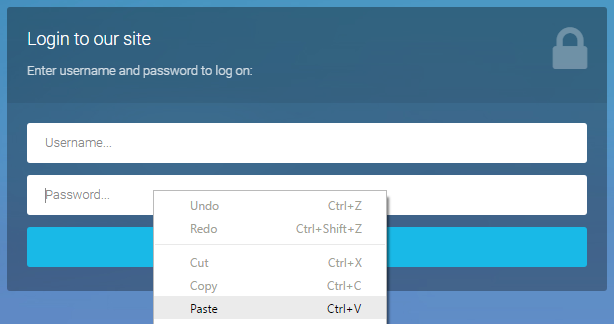
After months of tweets, emails & articles from eminent figures like Troy Hunt & the NCSC, it's about time I weighed in on the debate surrounding sites which disable a user's ability to paste passwords. The general consensus amongst many experts, including those mentioned above, is that disabling paste on password fields reduces security; the NCSC went one step further, calling it "completely pointless" and "damaging". So without further ado, allow me to explain why I believe disabling pas
Bank & Mobile Network Security: For want of a nail...
Ever since publishing a "two factor authentication vs two step verification" article in 2014, I've been waiting for an opportunity to irrefutably demonstrate the difference. Note: This article is very much a "work in progress" as until both exploits are patched, I can't provide any technical information. A quick recap... If you haven't yet read the above article, let's quickly recap on the differences between two-factor authentication & two-step verification. A "factor" falls into o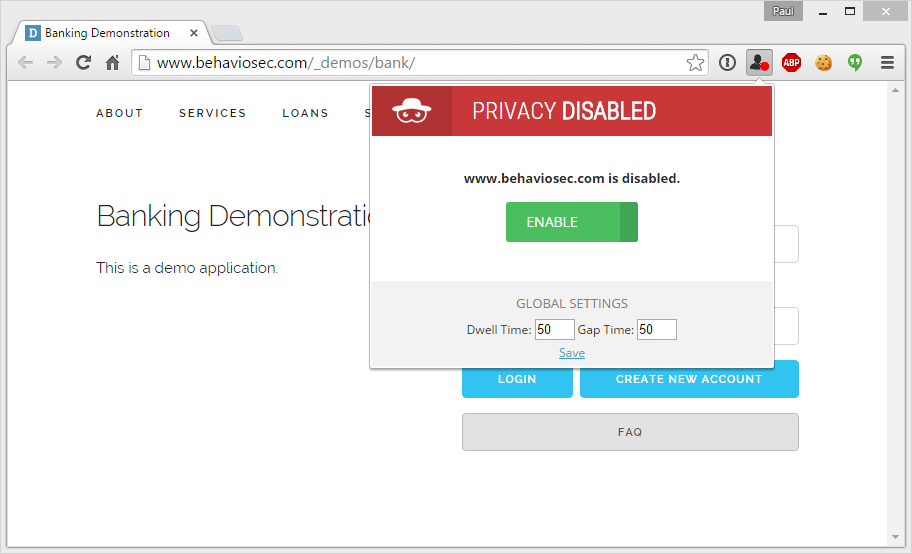
Behavioral Profiling: The password you can't change.
We're all familiar with the 3 basic categories of authentication. 1. Knowledge factors (passwords, PINs) 2. Possession factors (a software/hardware token - Yubikey/Google Authenticator/SecureID) 3. Inherence factors (fingerprint, heartbeat, iris/retina scanning) While the vast majority of sites use knowledge factors, a growing number are turning to multi-factor solutions in an effort to bolster security; to the detriment of the user experience. Cue continuous authentication / behavioral
Everykey: 3 years and $250,000... is it vaporware?
Update 22/12/2015 I've received several emails regarding this project over the last few months; another landing just a few moments ago. Unbelievably, Everykey has been delayed yet further... with delivery now estimated in February 2016. I'm very grateful to everyone for keeping me informed. However at this stage, there's not a great deal I can add to the discussions. It's a great idea with (I believe) real potential... but talk of "receiving samples" after 3 years and $1.2 million dollars
Kickstarter Password Managers: The good, the iffy and the dangerous.
Over the last few months, Kickstarter has been awash with password managers. Unless you're willing to invest and use a ridiculously tiny comments box, it's impossible to comment or ask further questions so others can see their response. Rather than clutter the comments area, this article will provide a very high-level overview of each product; a summary of why you should/shouldn't use them. Don't forget to bookmark it, as it's likely to be updated frequently. Kickstarter: https://www.ki